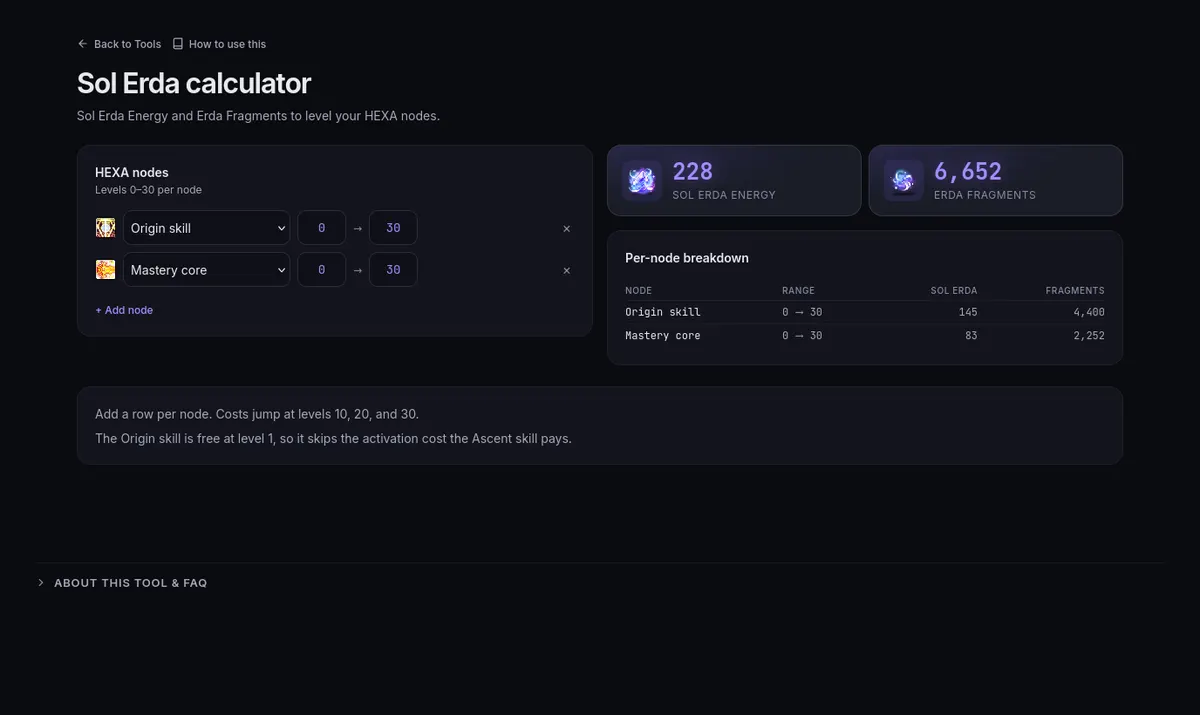
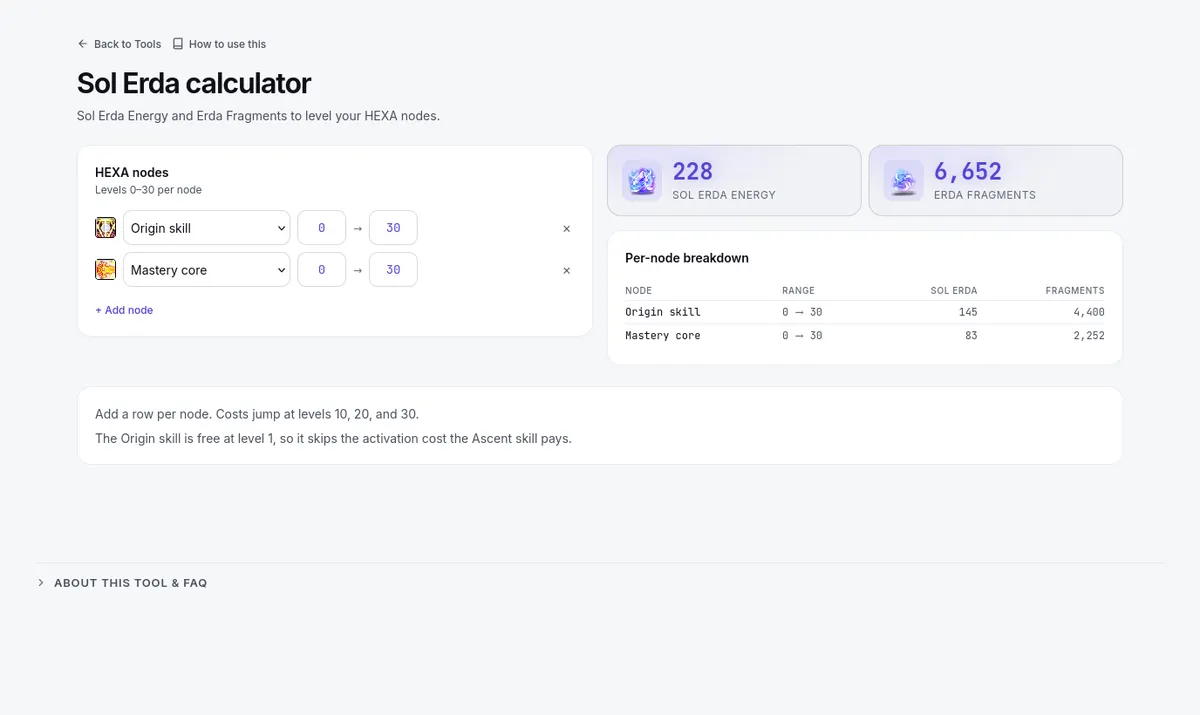
The Upgrade Calculator produces numbers for your build, so enter your gear and stats on Gear first.
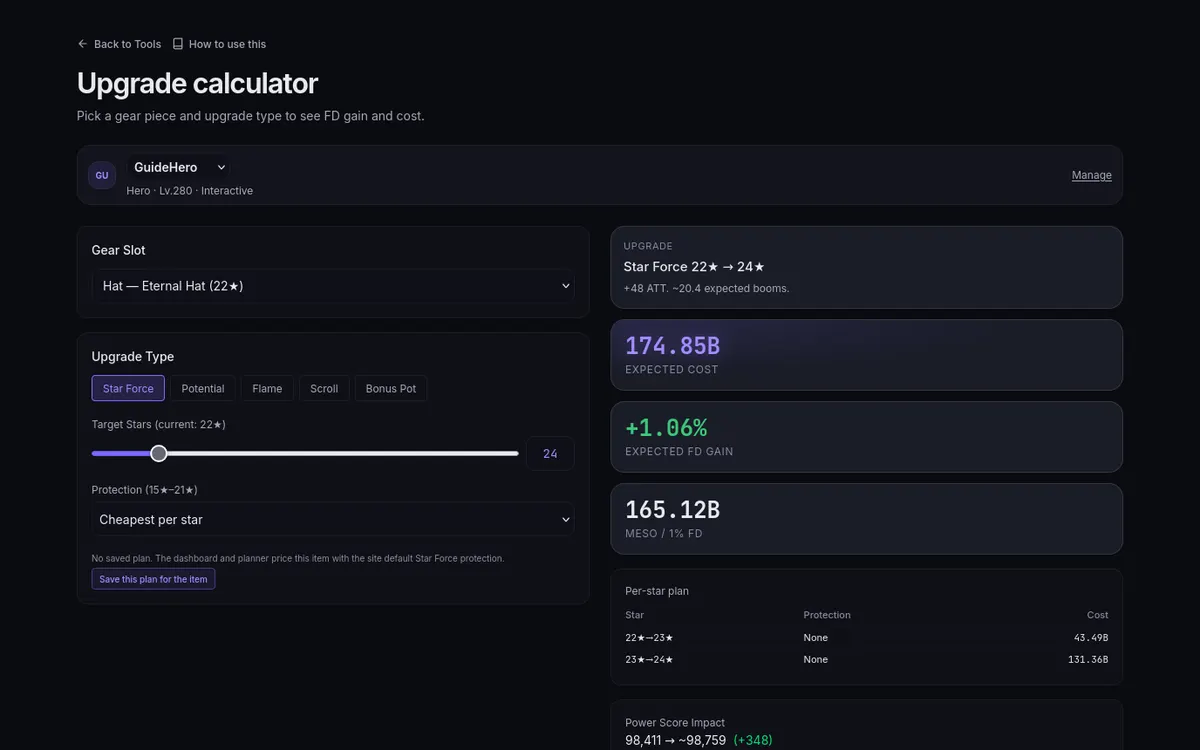
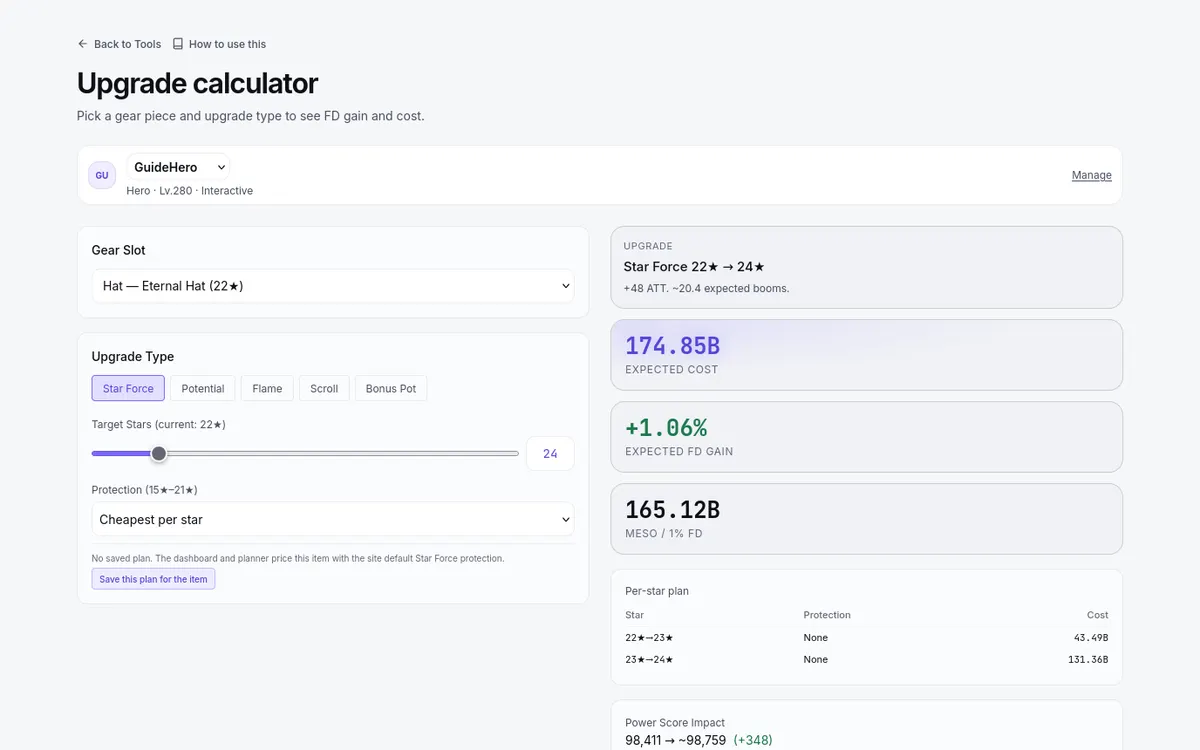
- Pick the Gear Slot (only slots with an item are listed), then an Upgrade Type button — Star Force, Potential, Flame, Scroll, or Bonus Pot — whichever is available for that item and world. Scroll and Bonus Pot are not offered on Heroic.
- Set the target. The item's current state is read from Gear and shown beside each target field, for example "Target Stars (current: 17★)", so you only choose where you want to end up.
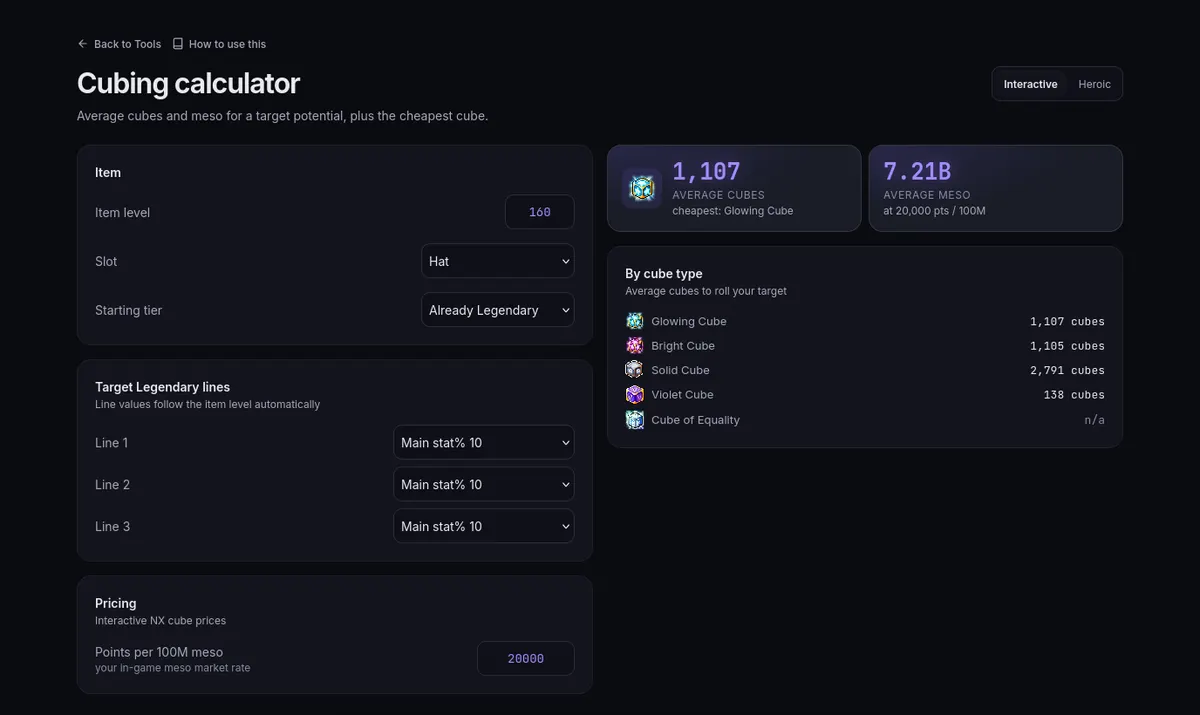
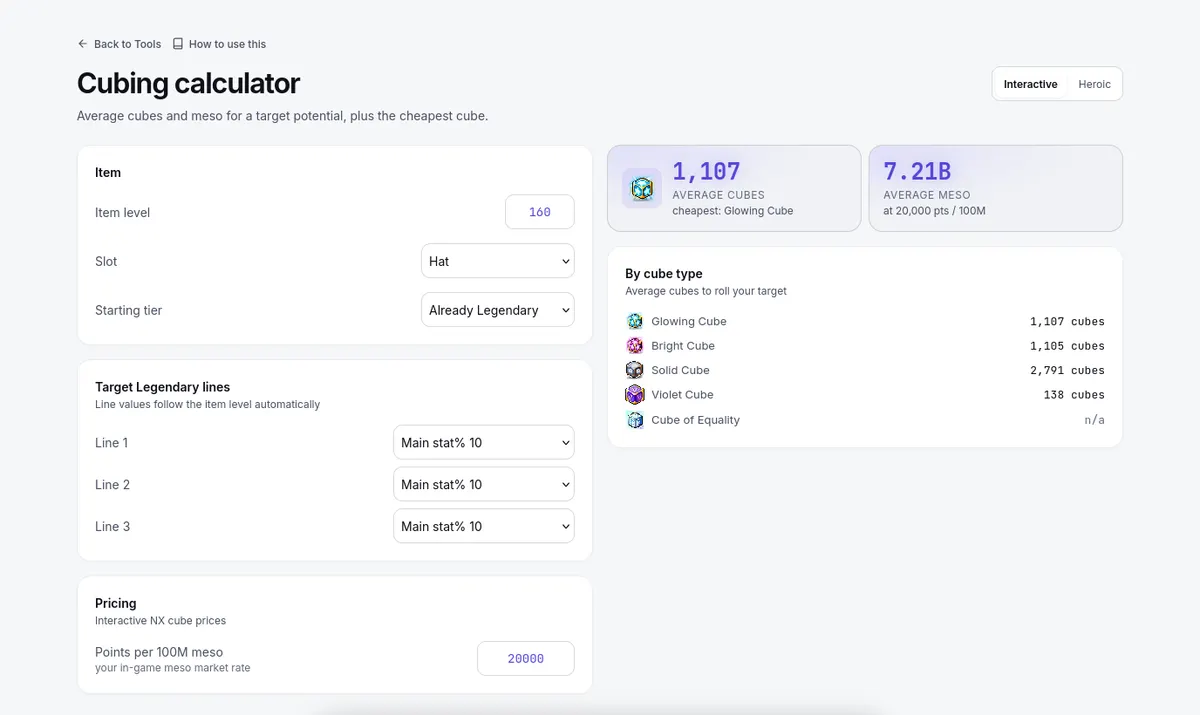
- Read Expected cost beside Expected FD gain and Meso / 1% FD, with Power Score Impact under them. The gain depends on your stats — the same upgrade can be a buy on one piece and a skip on another. For cube upgrades, a Cube source choice (Cheapest, Buy cubes (NX), or Cube service) and a Cube sale event toggle preview prices without changing Settings.
- Where the calculator stops, the page says Can't calculate this target and names the fact it needs — fix that entry rather than reading the gap as zero.
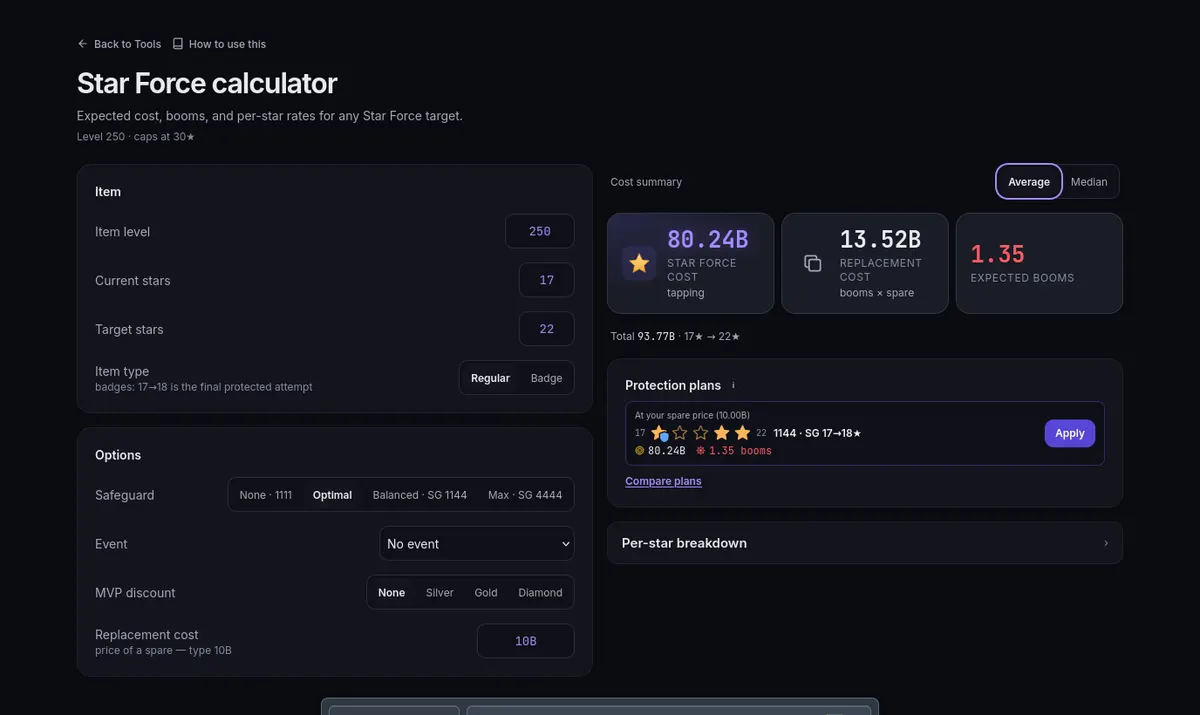
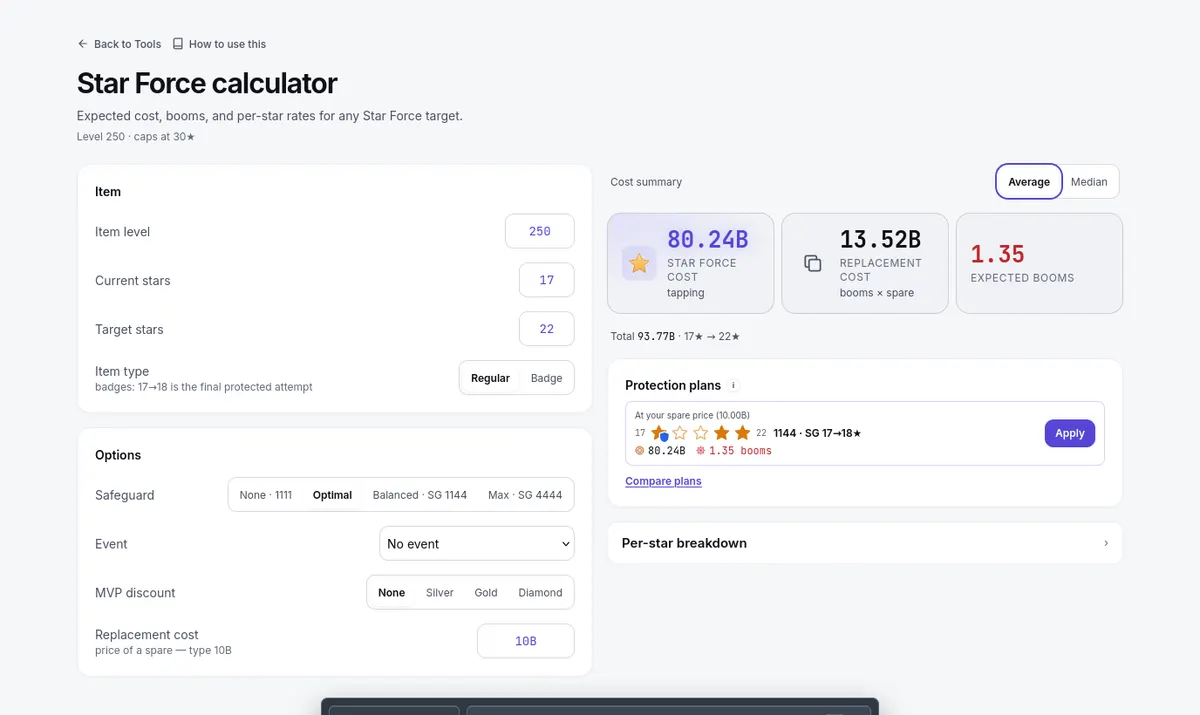
For Star Force, Protection (15★–21★) offers the strategy presets, Mode 1 to 4, or Custom (per star). Save this plan for the item stores it as that item's own plan, which the Dashboard, Planner, and other calculators then follow (see Star Force protection plans).