—

Discord Bot & Developer API

Use the site from Discord with a saved cloud build, or build a read-only integration on the public JSON API.

Covers Discord Bot, API Docs

Discord bot

The Discord bot guide is the authority for everything command-side: setup and invite, every command with its options and examples, and the known limitations. Use it rather than working from memory — commands and their options change, and the guide keeps pace.
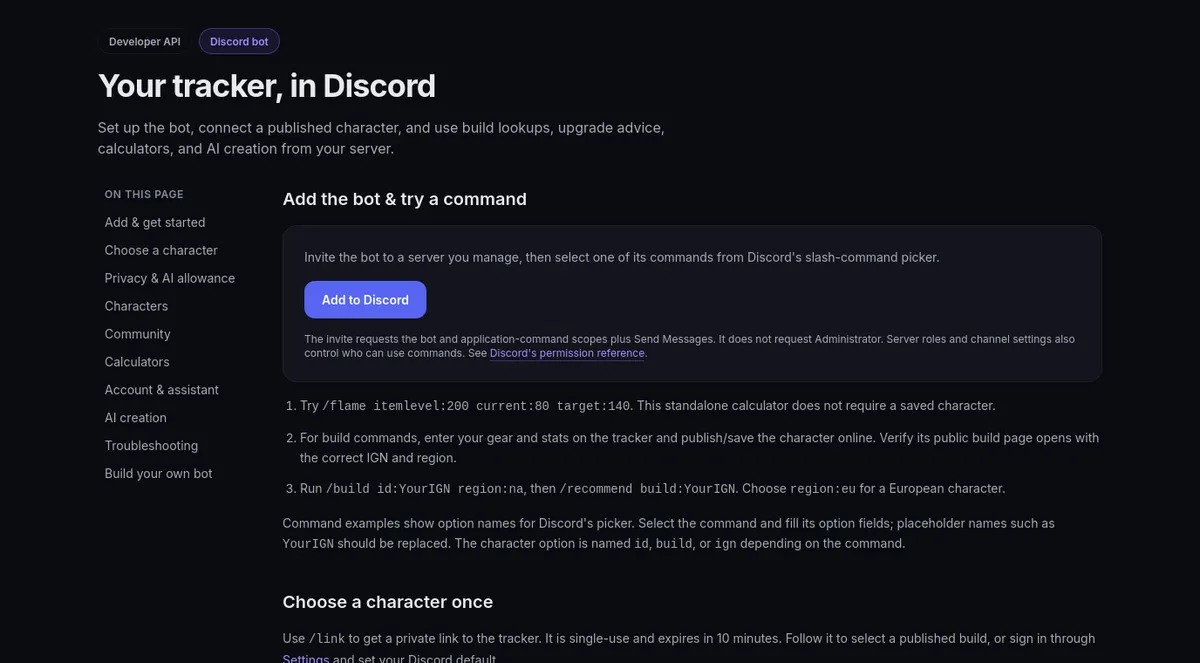
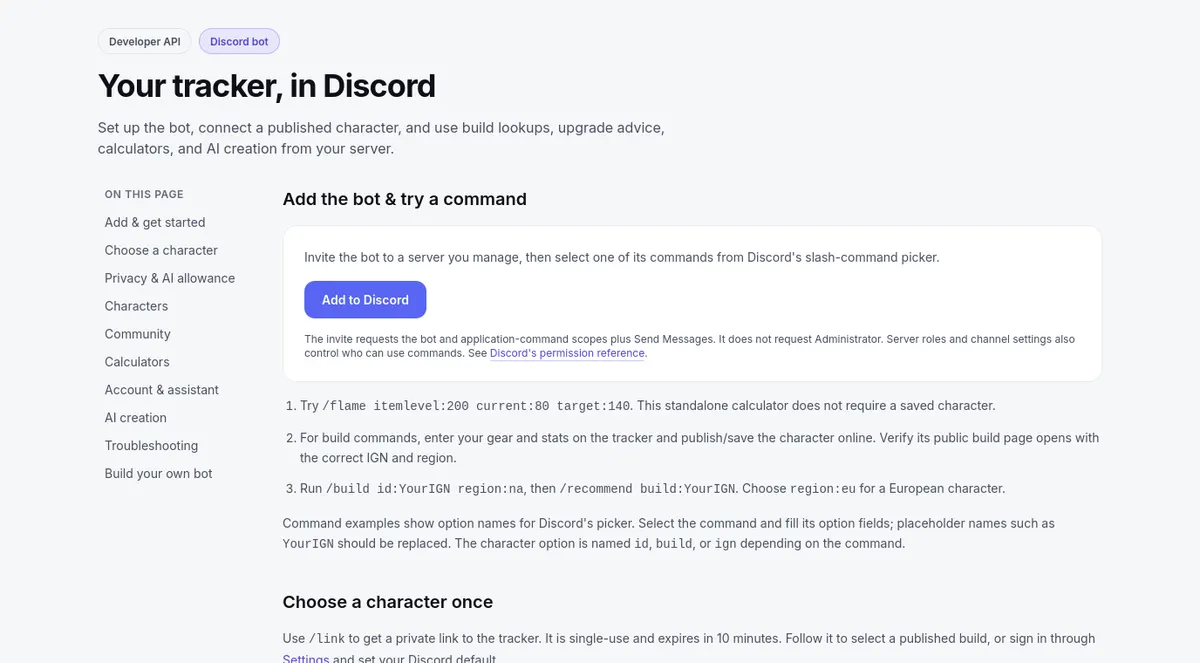
The Discord bot page: Add to Discord and the first commands to tryThe Discord bot page: Add to Discord and the first commands to try

  1. Save a cloud build before build commands. The bot reads saves in your account data, not edits that exist only in your browser — open the character page after saving and check it looks right.
  2. Link your account when the guide says to. Use /link to get a private link, follow it to pick a published build, and build commands such as /build and /recommend can then use it as your default when you omit the IGN. /unlink removes the link.
  3. Choose who sees the result. Replies appear in the channel unless the command offers private:true; double-check the name and region you typed in the command's context.
Public API

The API reference documents each public read-only JSON endpoint: required fields and parameter units, copy-ready JavaScript, Python, and cURL examples, and notes on errors, null results, rate limits, and caching.

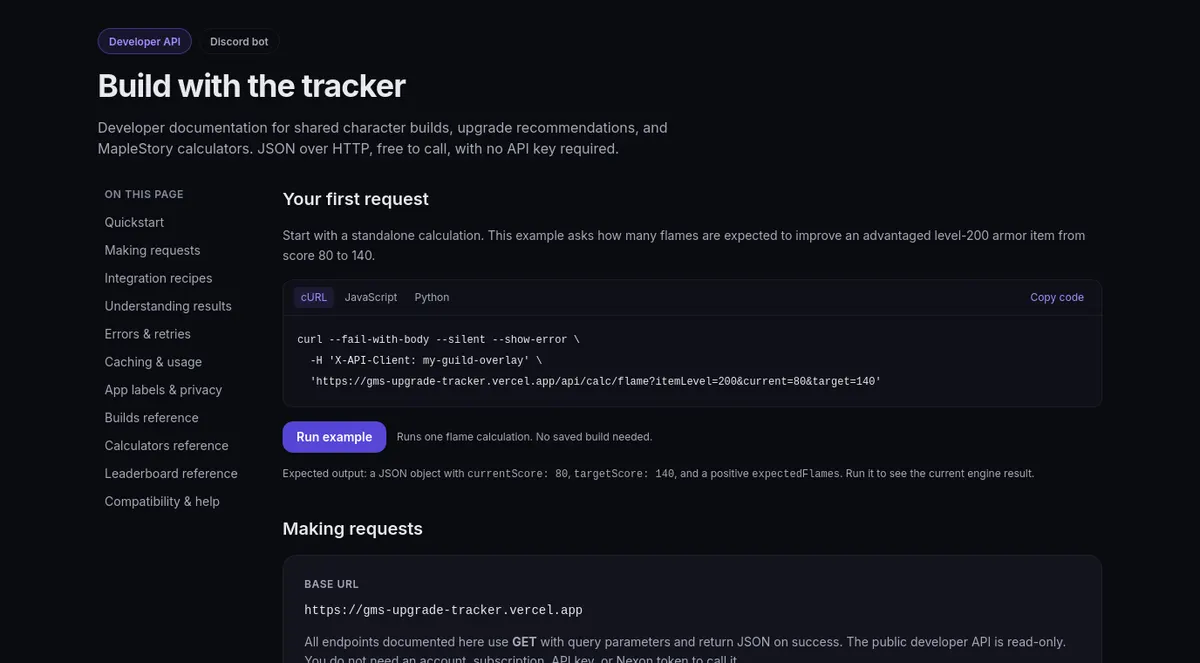
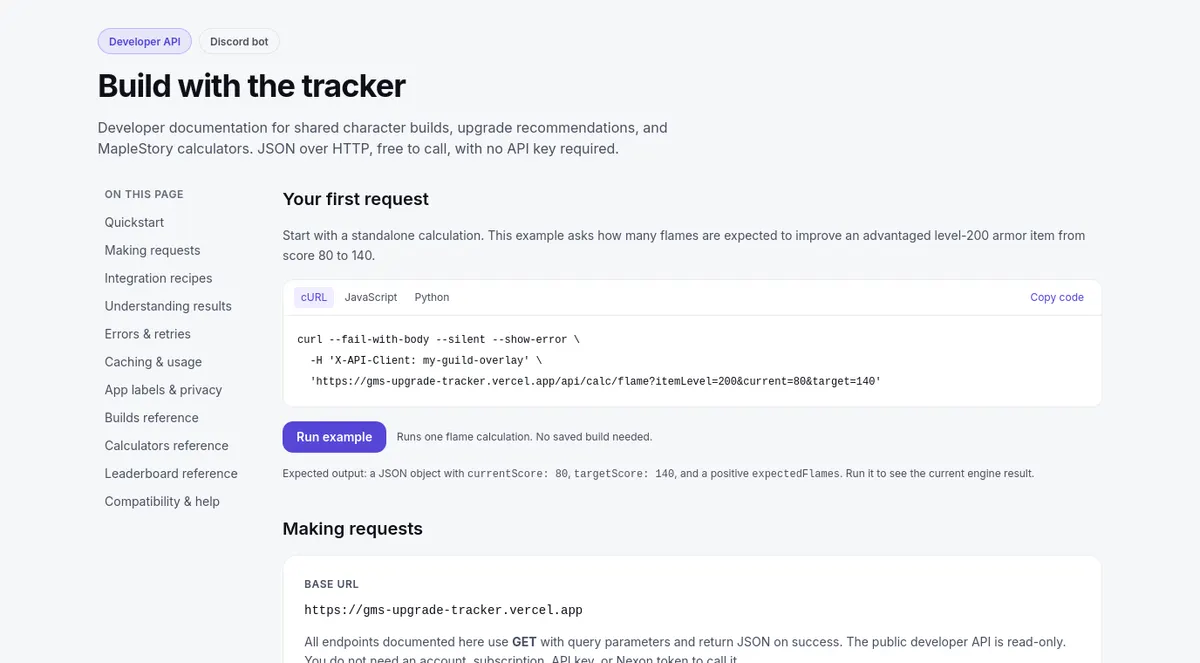
The developer API page: your first request, with Run exampleThe developer API page: your first request, with Run example

  1. Copy an example and change only the parameters to start.
  2. Read the endpoint's own notes before parsing: which fields can come back null and what each error means.
  3. Handle the common statuses generally — 400 says fix the input, 404 says recheck the name or region, 429 says back off and try later.

The examples let you start with ordinary HTTP requests.

Limits and boundaries

  1. The public API is read-only. Features tied to your account — saving, linking, consent, or AI generation — are not endpoints documented in that reference.
  2. Fields evolve as results are corrected: tolerate extra and missing fields and read the reference rather than leaning on one pinned example.
  3. Anything involving credentials sits outside the public reference; do not look for shortcuts around that boundary in it.

Reporting problems

  1. Report bot or API failures through the site's Feedback button with the command or endpoint, region, HTTP status, the error text returned, and the exact inputs that reproduce it.
  2. For media or permission oddities, include the deployment context you saw rather than assuming it is universal.
  3. Do not include passwords, API keys, or authentication links in a report. A normal tool or guide URL helps identify the affected page.