The Flame Calculator has two modes, switched at the top right: My gear, which reads the flamed items recorded on your Gear page, and Manual, for one typed-in item.
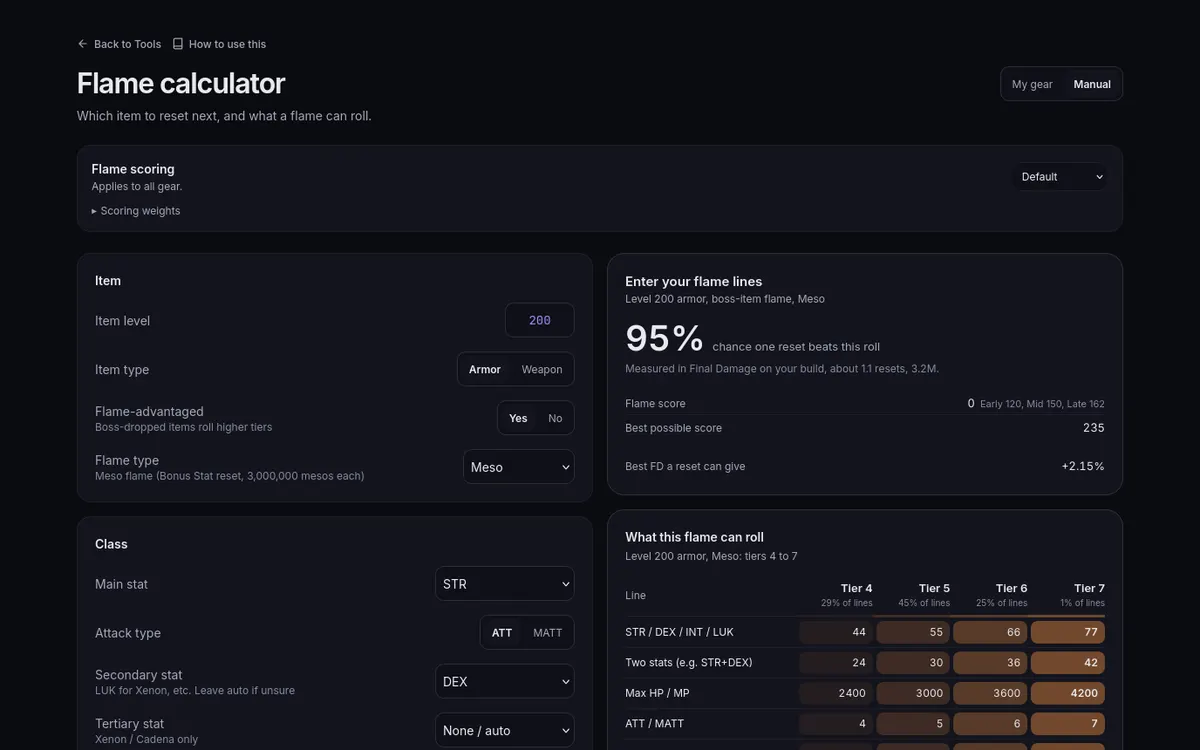
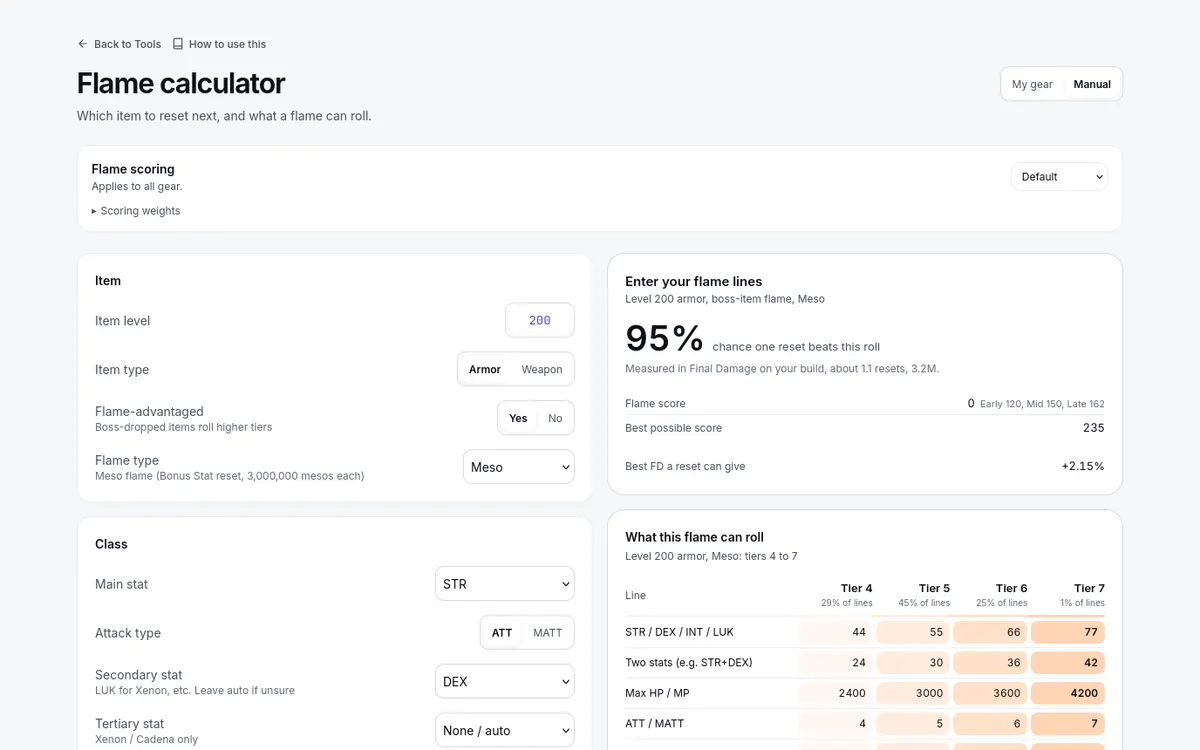
For Manual:
- Enter the Item level, the Item type (Armor or Weapon), whether it is Flame-advantaged, and the Flame type.
- For a weapon, add Clean ATT / MATT; then set Main stat, Attack type, and the secondary and tertiary stats for your class, and enter the item's Bonus Stat lines as the in-game flame window shows them.
- Read the outputs: the headline chance one reset beats this roll, Flame score, Best possible score, and the Best FD a reset can give, with reset count and cost where a price is available.
What this flame can roll lists the values each tier can roll at that item level — a reference for what is high and low, not a statement about your next roll.