AI Studio has four tabs: Image gen, Video, Gallery, and Assistant. A usage pill at the top shows today's shared allowance, so check it before generating, especially when requesting multiple variations.
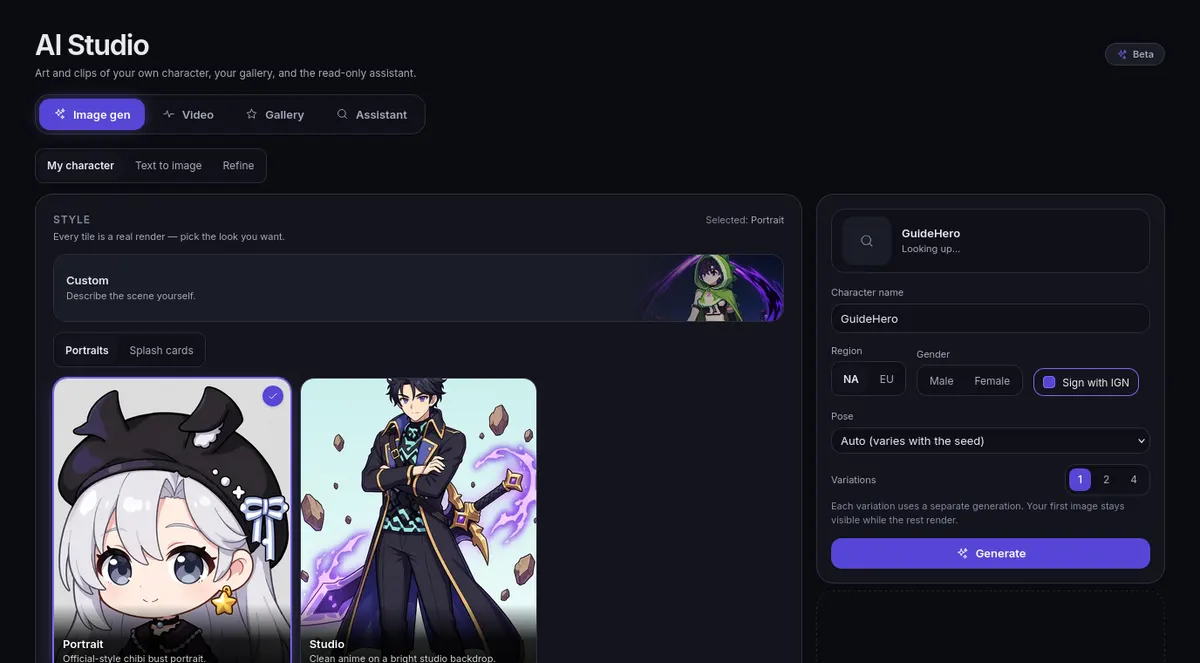
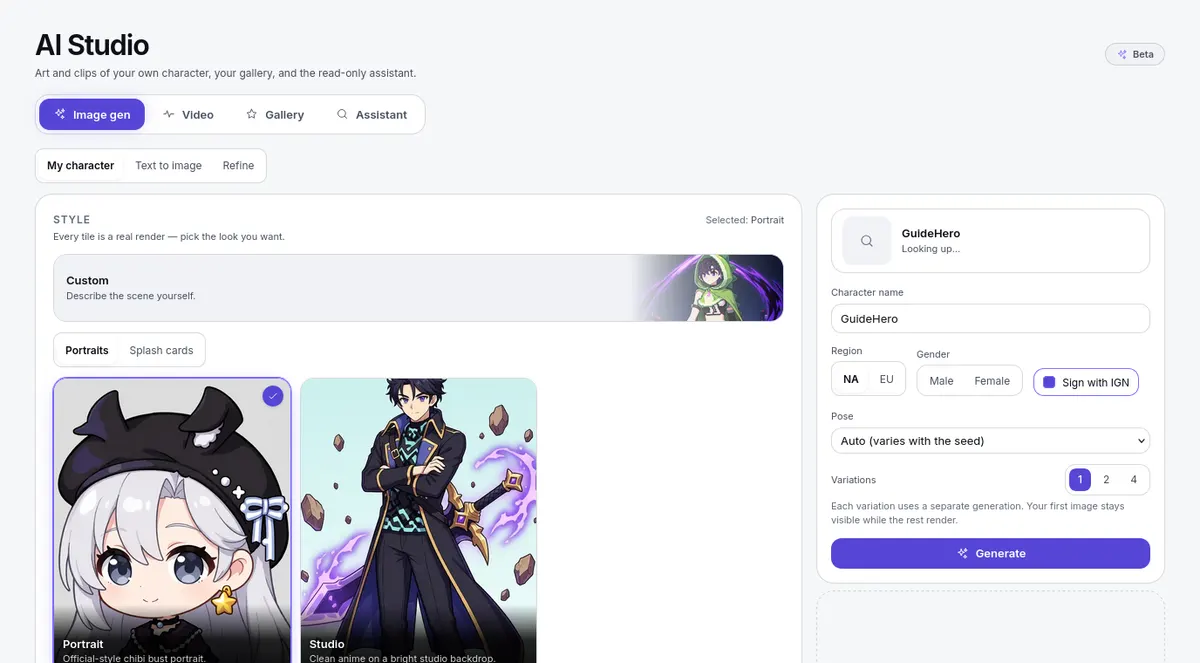
Start with Image gen for a portrait or scene, Video for a clip, and Gallery to find earlier results and their available actions. The Assistant answers site and build questions when available.
For assistant memory, open Memories in the conversation sidebar. It offers a checkbox for saving explicit preferences, Delete permanently for individual entries, and Erase all assistant data. Read the confirmation before erasing. See Terms and Privacy for data handling details.