Click any slot on the gear grid and an item drawer opens. Its tabs depend on the item: General, Star Force, Scrolling (not offered on Heroic), Flames, and Potential. The All button opens a step-by-step setup for the slot — one section at a time with Back and Next, entries saving as you type — so you can fill a piece in a single pass.
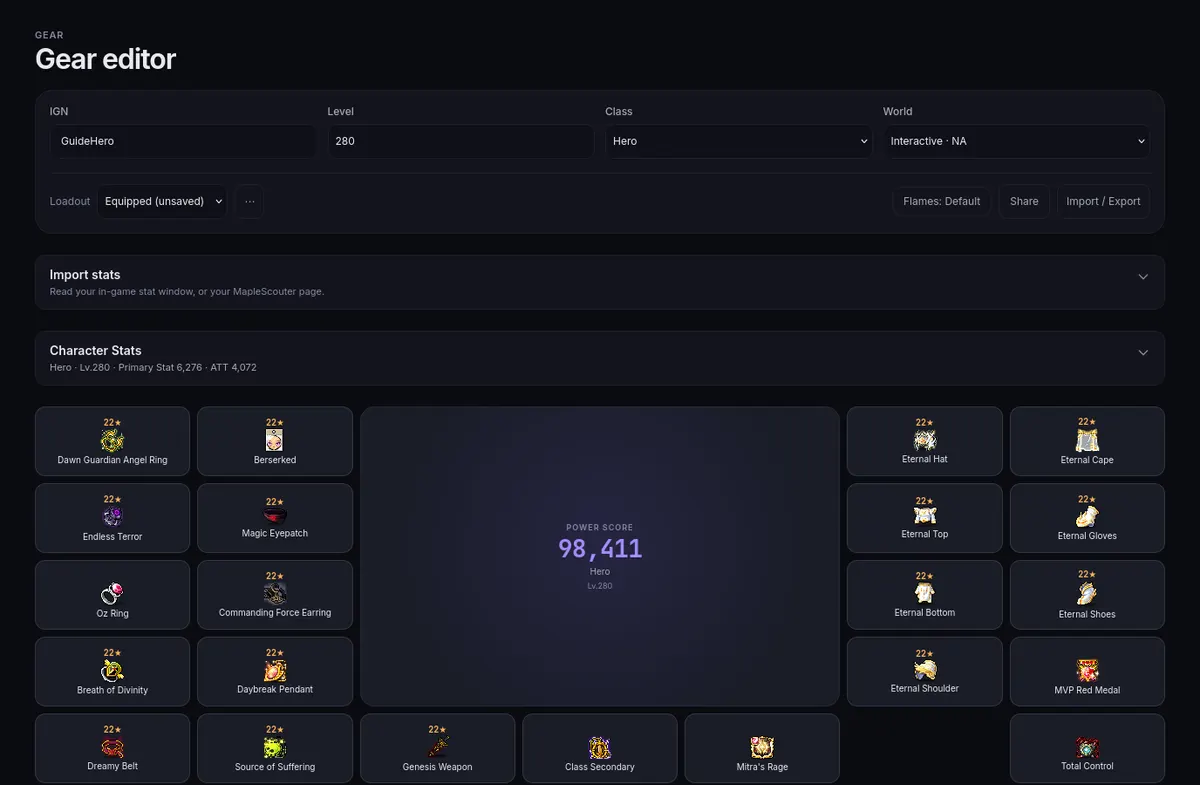
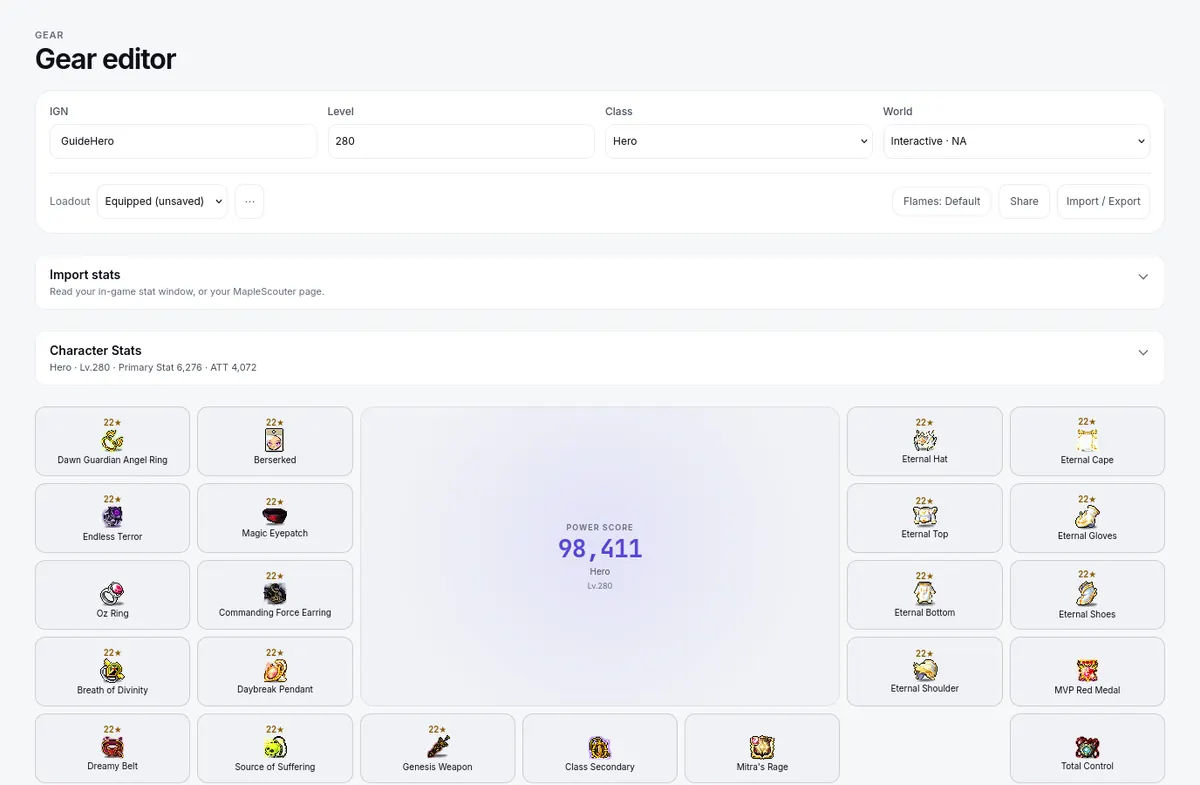
- General: pick the item from the Preset picker (search by name, set, or level) so the calculators know what you hold, or choose Custom and type its name and level.
- Enter the item's current actual state — stars, flame lines, scroll state, and potential lines, exactly as the item shows in game.
- On General, fill in Spare Items Owned and Replacement Cost (for boom) where the item uses them.
Review any values filled by the item preset against your actual item, then correct differences before comparing upgrades.