Everything about your character lives in the gear editor: IGN, Level, Class, World, the Character Stats panel, and one drawer per equipment slot. Once your core stats are filled in, the Character Stats panel collapses to a one-line summary; when something core is blank it opens itself and lists what is Missing.
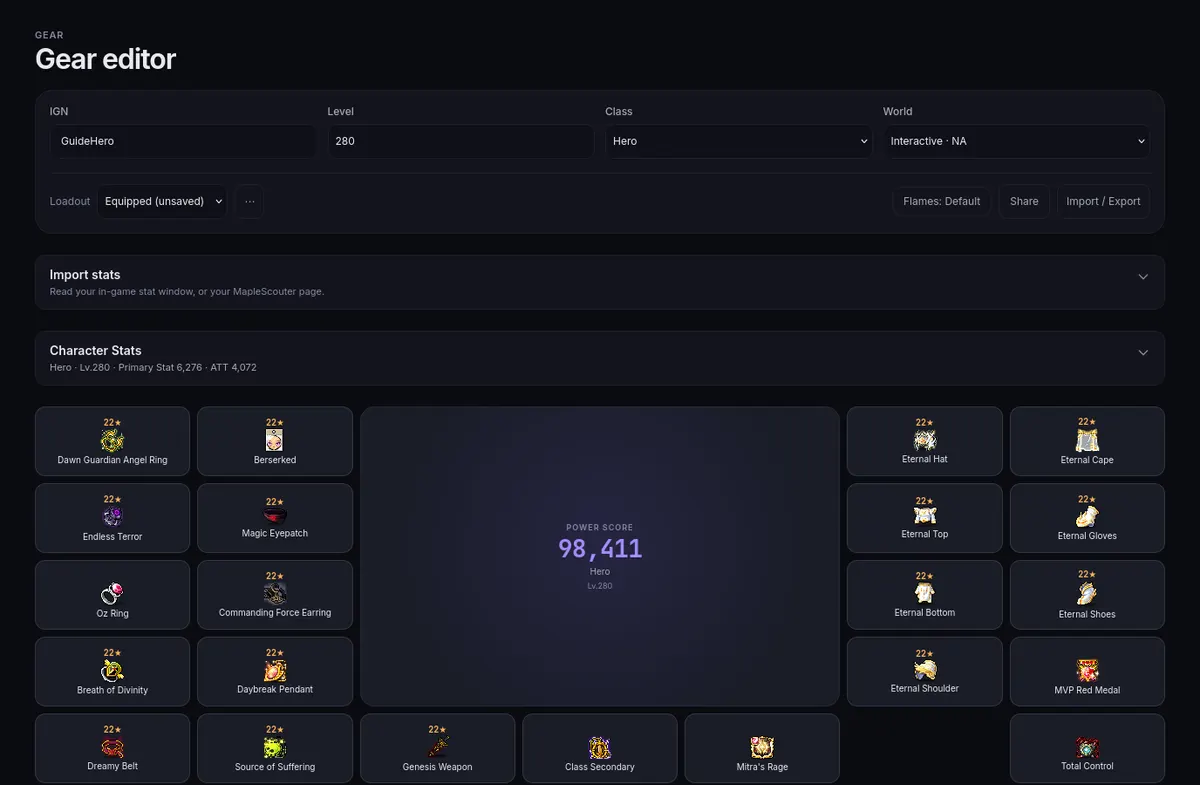
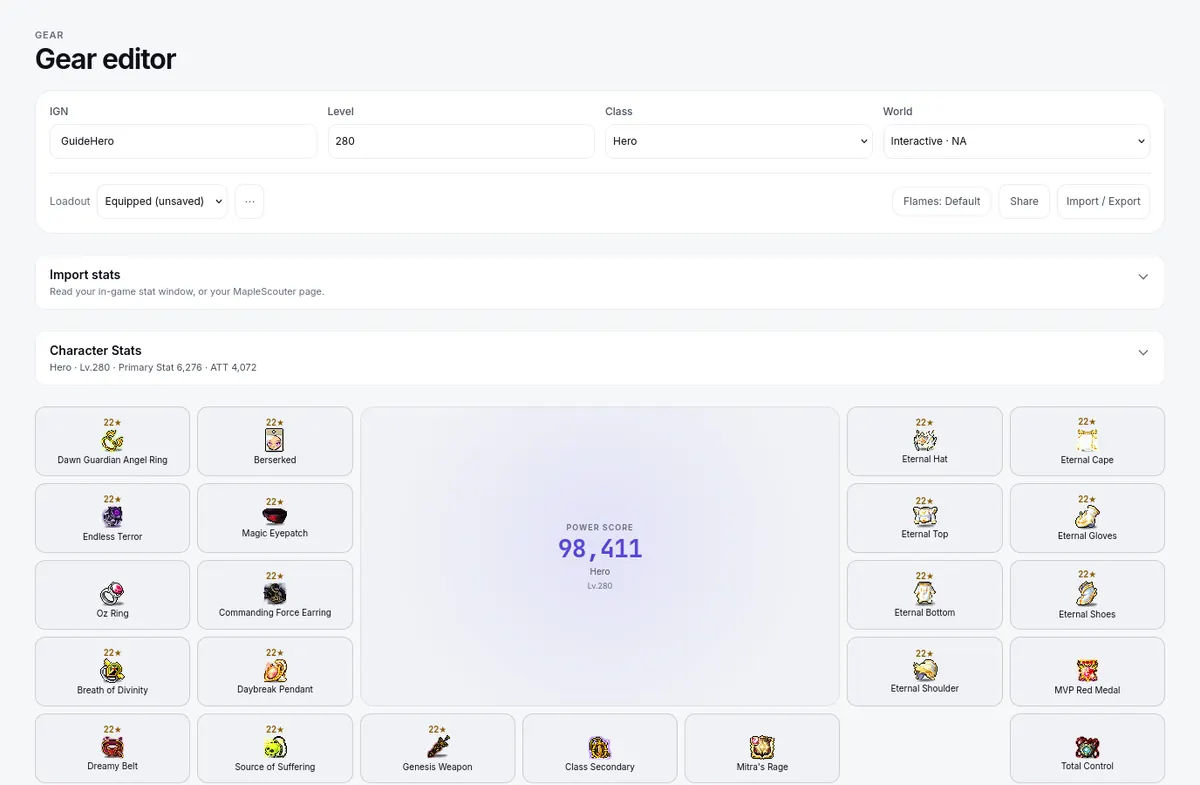
Two shortcuts can fill the stats for you:
- Import stats (above Character Stats) reads a screenshot of your in-game stat window or of a MapleScouter page.
- A preset (see Quick start) fills a starting template you then correct.
Import / Export in the header saves or loads the whole build as a file.
Before any import, confirm the class, level, and world shown are actually yours — an import against the wrong class skews everything downstream. Changing class resets your HEXA Matrix or Erda Link levels, and the page asks you first.
The Character Stats panel's own instruction, quoted exactly: "Enter stats with class buffs, decent Combat Orders, decent Sharp Eyes, and familiars active." Open What are class buffs? in the panel for the list: leave off guild skills, potions, Echo of Hero, Legion Might, Ursus, MVP, VIP, Home and Red Star buffs, and activated link skills, because the site adds those itself.