—

HEXA Matrix, HEXA Stat, and Erda Link

Record your matrix levels, rank what to level next against a weekly budget, and enter HEXA Stat or Erda Link progress.

Covers HEXA Matrix

Three tabs, three different progressions

The HEXA page has three tabs — Matrix, Priority, and Stat — and each serves a different purpose:
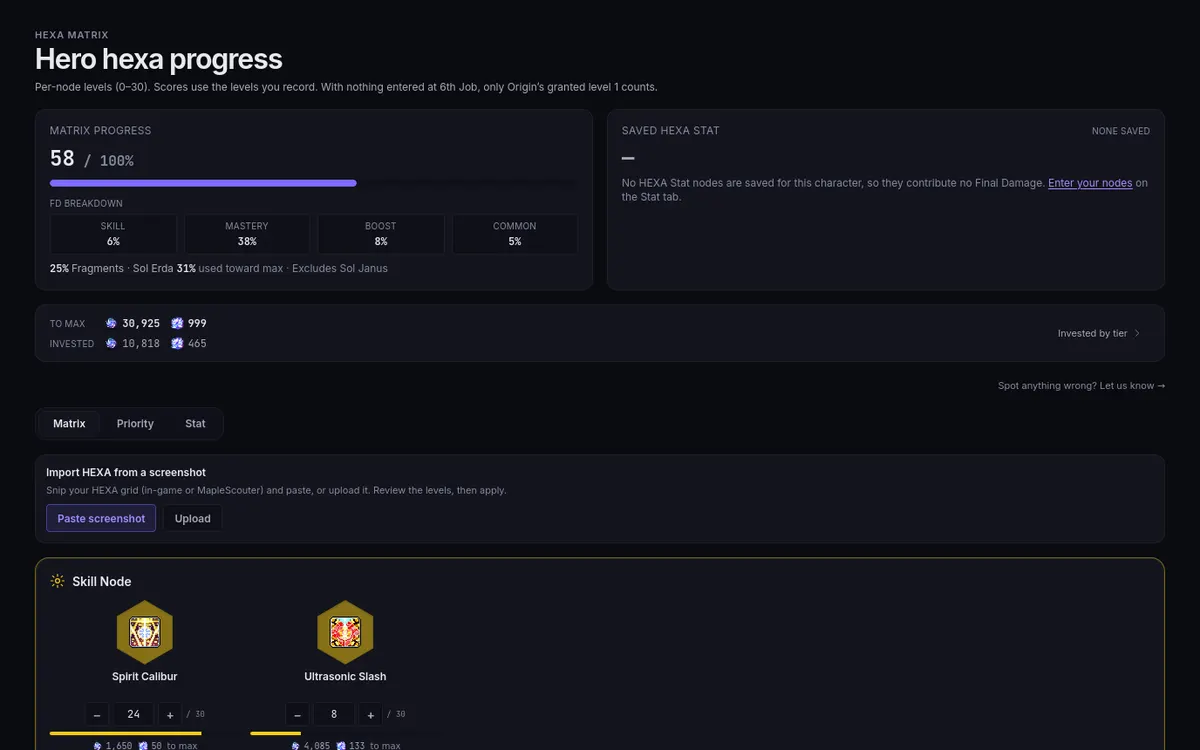
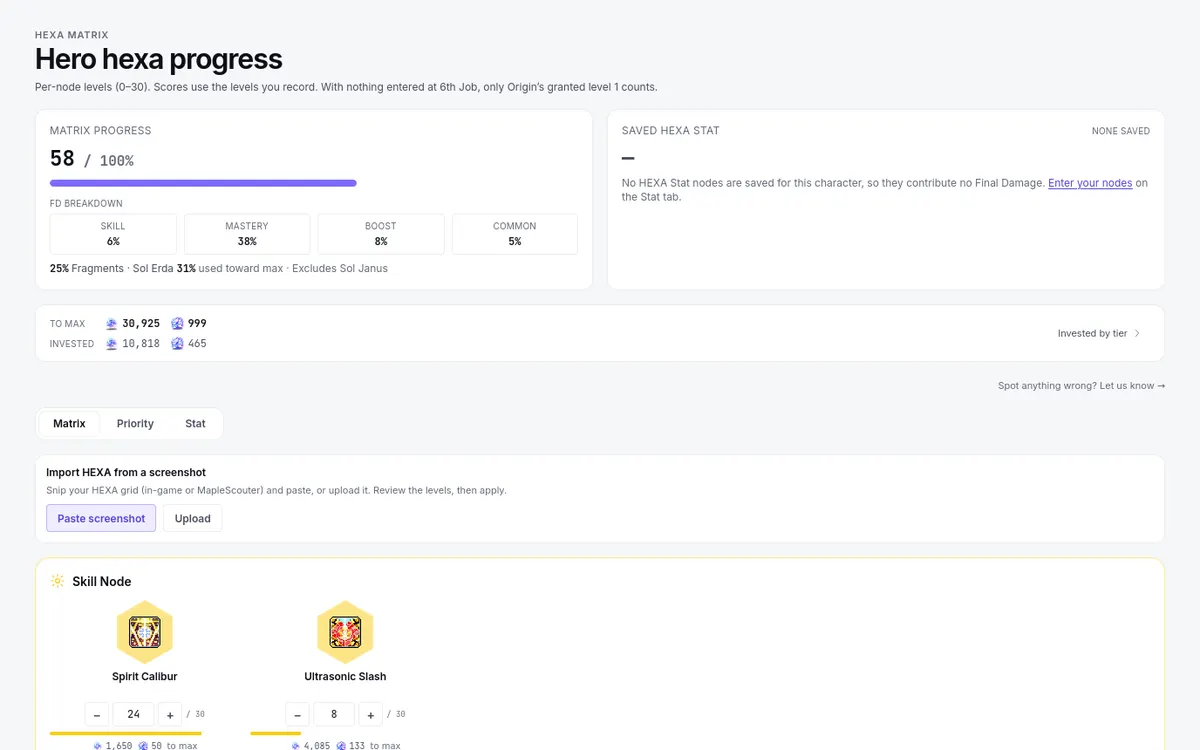
The HEXA page: Matrix Progress with its breakdown, the Matrix, Priority and Stat tabs, and the skill nodesThe HEXA page: Matrix Progress with its breakdown, the Matrix, Priority and Stat tabs, and the skill nodes

  • Matrix — your HEXA skill nodes and their levels.
  • Priority — a ranked list of what to level next, built from the matrix.
  • Stat — the node editor for HEXA Stat, separate from the matrix.

Sia and Erel Light level their 6th Job through Erda Link instead: their HEXA page is an Erda Link board with its own stone levels, costs, and Next upgrades list, and no Matrix, Priority, or Stat tabs.

Above the tabs, the Matrix Progress tile and the saved HEXA Stat summary sit side by side so neither number is mistaken for the other.

Work in order: enter matrix levels first, then read Priority; keep Stat entries on the Stat tab. Entering one where you mean the other is the most common HEXA mistake.

Entering real levels

Type the actual level of each node you have leveled, or use Import HEXA from a screenshot at the top of the Matrix tab to read your in-game or MapleScouter HEXA grid, then review the levels before applying. Scores, the Final Damage figures, and the Priority ranking all read exactly what you entered — so an untouched board reads as Origin at level 1 and scores low on purpose, and a partially leveled board scores what it really is.

  1. Do not enter an intended or planned level — enter what the node is today.
  2. Do not choose I have max hexa unless you really are maxed; a claimed max blinds the ranking to the levels you have left.
  3. Below Lv. 260 there is no matrix: the tile reads Not unlocked and nothing is ranked.

After any in-game upgrade, come back and record it so the ranking keeps advising the levels you actually have left. Reset all hexa data at the bottom of the Matrix tab sets the matrix back to the 6th Job starting state at once, with no confirmation, so use it only when you mean to.

Why the boards are not interchangeable

HEXA Matrix skill nodes and HEXA Stat nodes are different progressions. Both can involve fragments, but their upgrade costs and level rules differ; a Matrix cost estimate does not price a HEXA Stat roll. Keep each board's progress on its own tab.

For Sia and Erel Light, Erda Link replaces the matrix entirely: it advances through Erda Link stone levels with its own per-fragment and per-Sol-Erda costs. If your class uses Erda Link, do not look for a matrix that does not exist for you — enter stone levels on the Erda Link board. Its Next upgrades list ranks by Per fragment or Per Sol Erda, and Reset all Erda Link data clears the board at once, with no confirmation.

Using the Priority tab

Priority ranks your next node levels against a Weekly farming budget you enter at the top of the tab: Erda Fragments / week and Sol Erda / week. The same budget is linked from the HEXA section of Settings ("Open HEXA priorities →").

  1. Set your weekly Fragment and Sol Erda numbers.
  2. Choose Best per fragment or Best per Sol Erda under Sort by; Show every level lists one row per level instead of one row per run of levels. Read the estimated gain and efficiency in the selected mode; a low fragment cost by itself does not mean the best damage gain.
  3. Level it in game, then press Mark done on the row to record that level. A note says what was recorded, and Undo puts the node back. You can also edit levels on the Matrix tab.

When the matrix is untouched, the list says it is ranked from the board 6th Job granted you; enter your real levels on the Matrix tab so the ranking reflects what you need next.

HEXA Stat, Erda Link rankings, and cross-character picks

On the Stat tab, enter each node's main and sub stat types with their enhancement levels, exactly as your nodes show in game. The tab notes: "These lines are already included in your stats. Enter them to compare rerolls and type changes." — so entering nodes does not raise your score. For suggestions, use the Hexa tab of the Optimizer, which answers Best stat types for your levels — a direction for your current board, not a promise about what a future roll will produce. Treat its output as advice to weigh, then enter whatever the reroll actually gave you.

The Erda Link board shows stone levels plus Per fragment and Per Sol Erda rankings for its upgrades, and marks its figures Community data, so read that label before treating a ranking as exact.

To ask "which of my characters should level a node next?", use the cross-character HEXA priority on Characters & resources.