The Characters page (Saved characters) holds one card per saved character. Save to "name", Save as character, Save As New, or New Character put builds in; Open on a card makes it the active character that the gear editor edits.
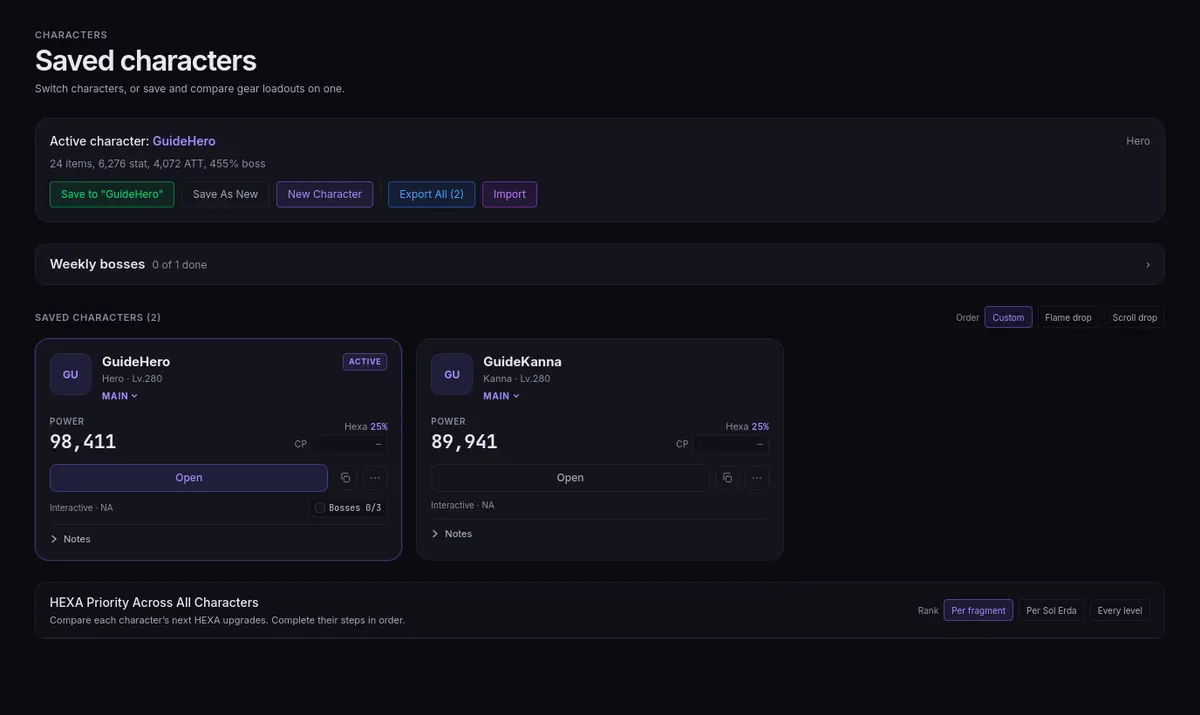
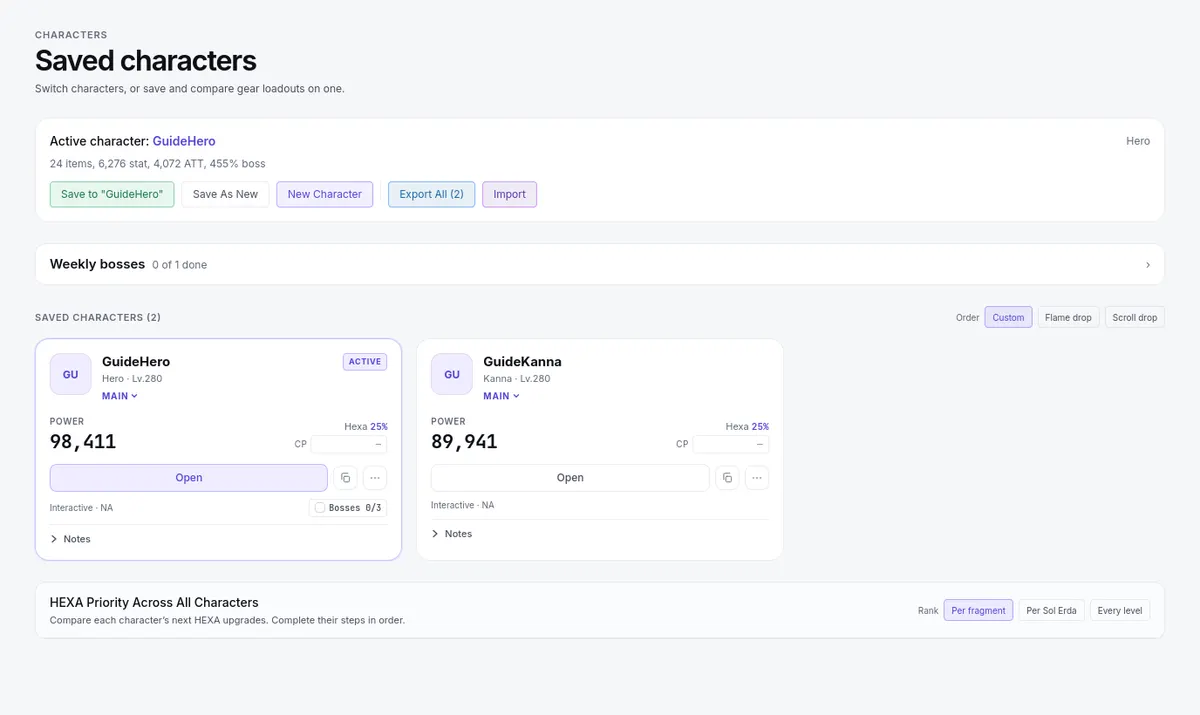
- Each card has a Duplicate control and a ⋯ menu with Move Up, Move Down, Rename, and Delete.
- Set a role on each card: Main, Bossing Mule, Support, or Legion.
- Order the roster by Custom (reorder with Move Up and Move Down), Flame drop, or Scroll drop value for resource decisions.
- Cards show a Power figure, a Bosses X/Y marker for this week's configured bosses (click it to mark them all done or untick them), an EXP bar, and a Combat Power field you type yourself — nothing on the site calculates with it. A Weekly bosses section lists the whole roster's week.
- Export All (n) and Import (text or a file) back up the whole roster; details in Recovery.
Save the active build before starting a new one, so the new character starts from a blank sheet.