—

Familiars & Totems

See what the best familiar setups are worth against the lines you saved, and pick the best three-totem set for your class.

Covers Familiars, Totem Set

Match setups to your saved familiars

Open Familiars after recording your actual familiar ranks and lines in the Companions panel on Gear. The page answers two questions: what a finished setup is worth, and what it takes. Choose Legendary or Unique at the top right (on Heroic the page works with Unique).
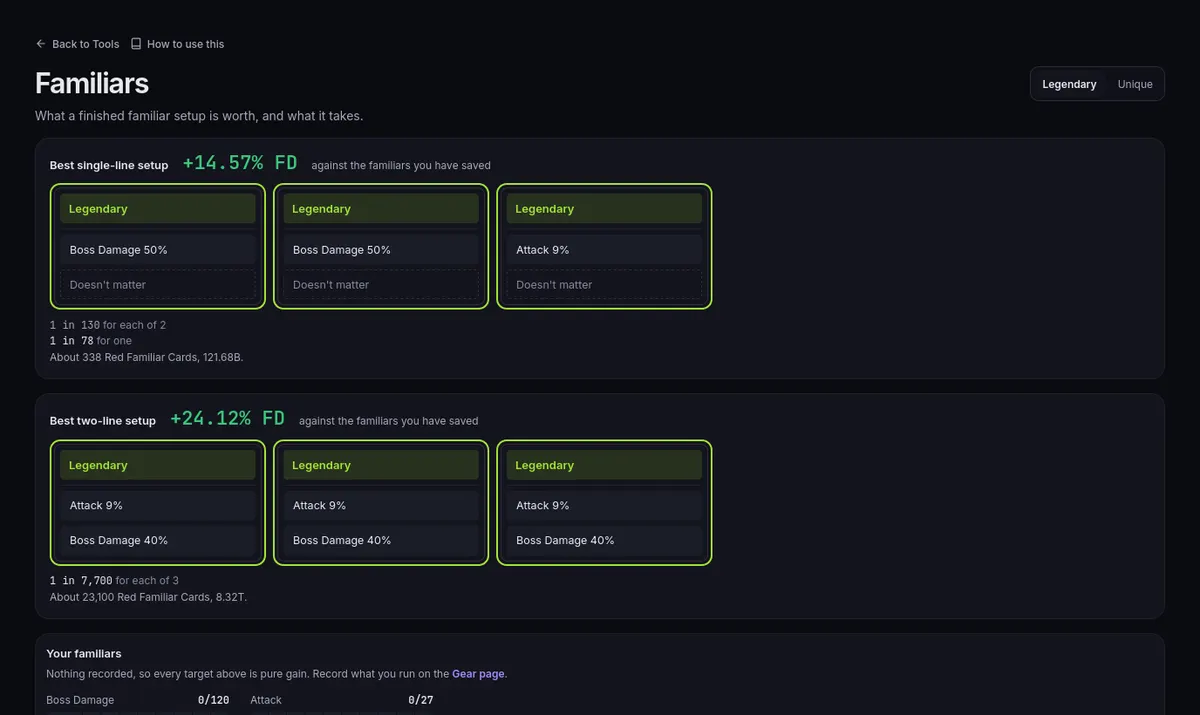
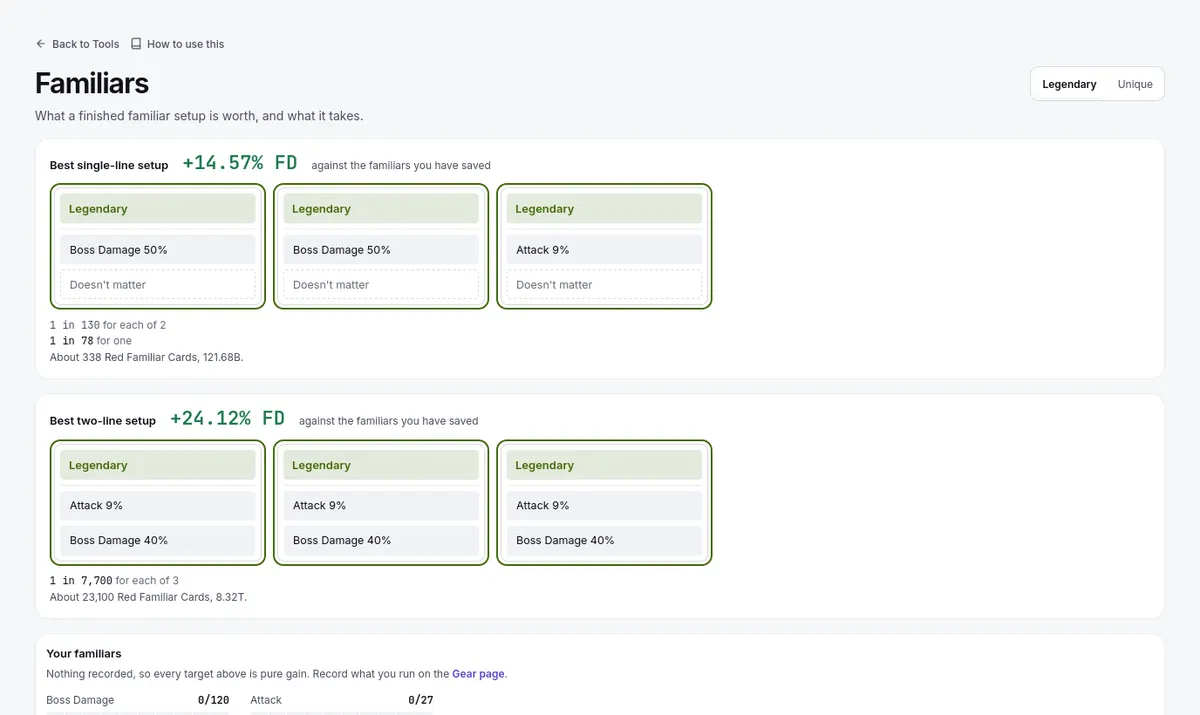
Familiars: the best one-line and two-line setups against the familiars you saved, with their odds and card costFamiliars: the best one-line and two-line setups against the familiars you saved, with their odds and card cost

Two cards follow — Best single-line setup and Best two-line setup. Each shows the Final Damage it would add against the familiars you have saved, the setup's three familiars, and the odds as "1 in N" per familiar; a slot you already satisfy reads "already yours". Under Your familiars the page lists what you saved, with meters for the capped lines they carry. If nothing is recorded, every figure is pure gain. A missing odds figure means the page could not work it out, and it says why — it does not mean you are already at the target.
Reroll pricing, practice, and Heroic

  1. On Interactive, each card also shows about how many Red Familiar Cards the rolls take and their meso cost, priced at your Meso market rate from Settings. If a price is missing, the page says what to set. Heroic worlds have no Red Familiar Cards.
  2. The Rate sheet disclosure lists the one-line reroll rates the cards work from (On line 1 and On line 2). Dimmed rows rest on small samples, so read them before quoting a rate anywhere, and a rank nobody has sampled says so instead of showing a guess.
  3. Practice a reroll is a simulator for feeling out the churn. It is not a real roll and it does not change anything saved on your build — after actual rerolls in game, record the result on Gear so the comparison catches up.

Totem set comparison

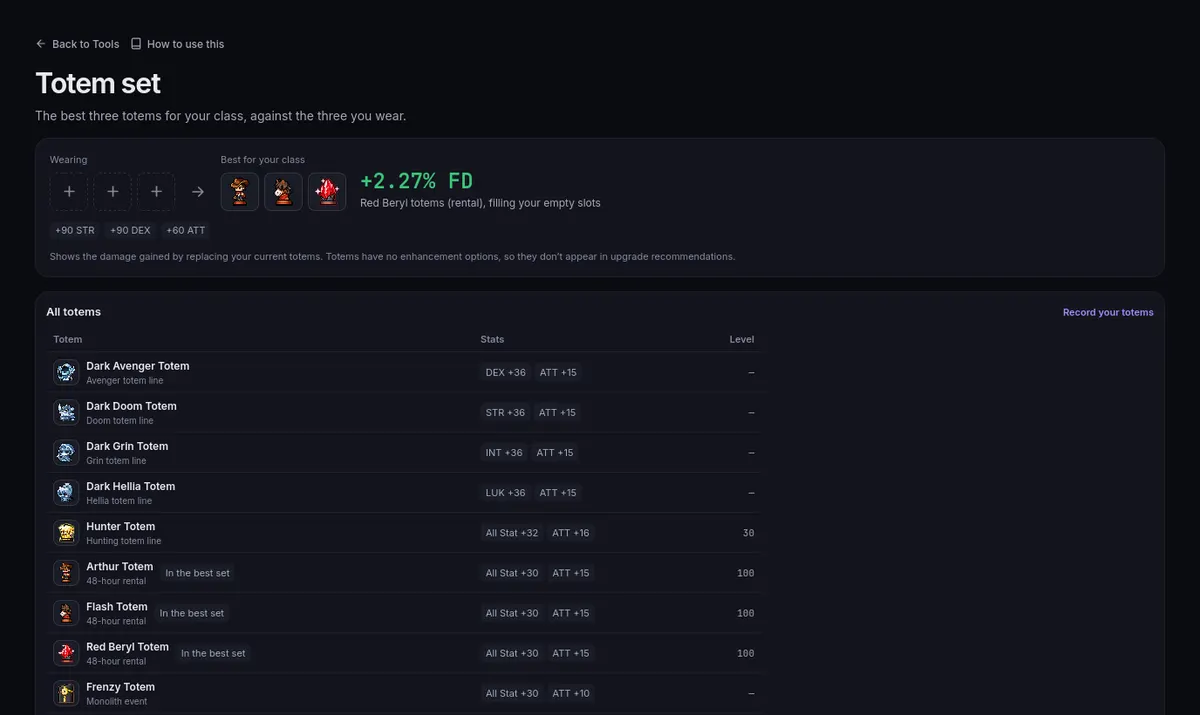
Enter your three current totems on Gear (the Totems band of the Companions panel), then open Totem Set. The page shows what you are Wearing beside the Best for your class set, with the Final Damage it adds and how many of your slots would change — or says You already have the best set. The All totems table marks the totems you wear and the ones In the best set.

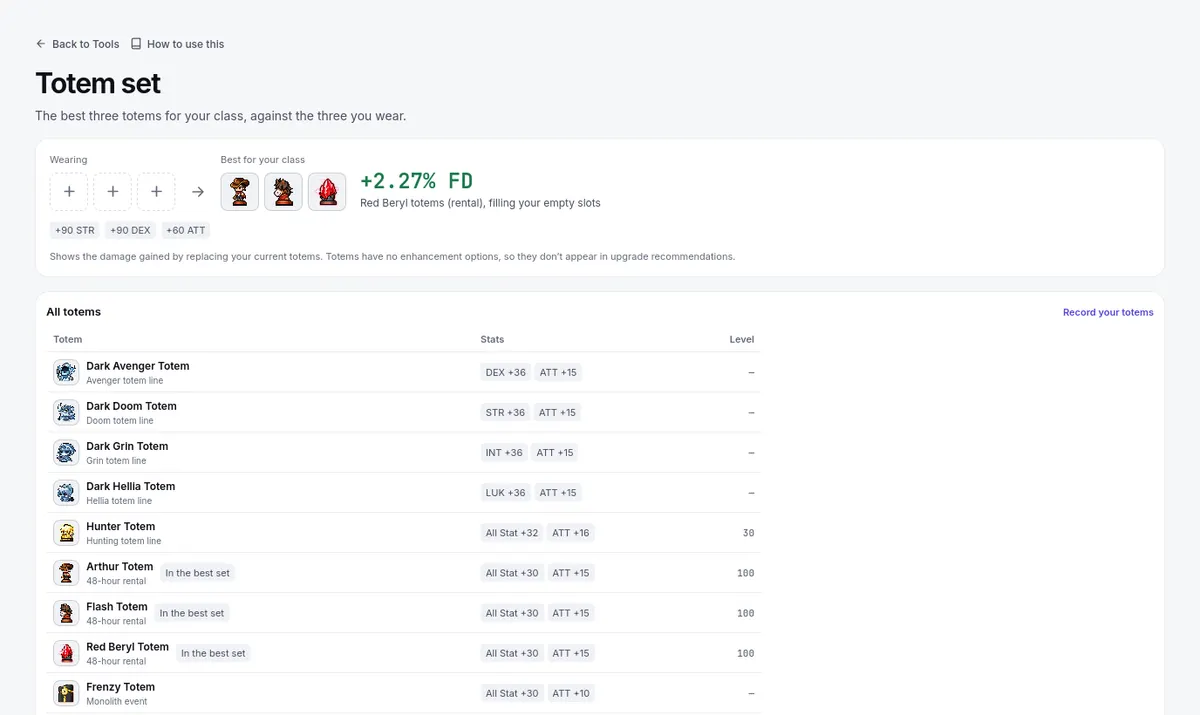
Totem set: the best three totems for your class against the three you wear, then every totemTotem set: the best three totems for your class against the three you wear, then every totem

Totems have no enhancement options, which is why they do not appear in upgrade recommendations elsewhere on the site. And "best for your class" is modeled damage, not an availability promise — before chasing a set, check you can actually acquire those totems now, and use what you can get.

Keep the companions panel current

Familiars and totems both read your per-character companions panel on Gear, and the rest of the site reads its totem slots and familiar lines too. When a real reroll, cap change, or reslot happens in game, record it there first: the comparison cards, cap meters, and any damage figures elsewhere on the site then follow the actual state of your set.